Native resolution
The game renders at the selected output resolution without upscaling or generated frames. This is a useful comparison baseline. It does not mean every effect is enabled or that the game has no ray tracing.
Fast competitive play. Rich single-player worlds. A sharper 4K picture. Start with the experience you want, then match the GPU, settings and screen.
Editorial starting points, not guaranteed frame rates.
Picks consider broad capability and feature support, not live value or measured game-specific FPS. Check the exact games, settings and current prices. An older card you already own can be the sensible starting point.
Choose any desktop GPU from the archive.
The game renders at the selected output resolution without upscaling or generated frames. This is a useful comparison baseline. It does not mean every effect is enabled or that the game has no ray tracing.
These trace light paths for effects such as reflections, shadows and indirect lighting. Path-traced modes can be much heavier. Results depend on how a game uses the technique, not just whether a card has RT hardware.
The game renders below the output resolution and reconstructs a higher-resolution image. Quality depends on the algorithm, input resolution, motion and integration. Start with a quality-oriented mode, then judge the image while moving.
Intermediate frames can improve displayed smoothness. They do not increase the engine’s simulation or input sampling rate by the same amount. Check the underlying rendered FPS and latency as well as the larger displayed number.
| Ecosystem | What to look for | Hardware & game checks |
|---|---|---|
| NVIDIA | DLSS Super Resolution, Ray Reconstruction, Frame Generation and Reflex | Super Resolution and Ray Reconstruction span RTX generations in compatible games. NVIDIA Frame Generation needs RTX 40/50; Multi Frame Generation targets RTX 50. Confirm the exact feature in the game or supported app override. |
| AMD | FSR Upscaling, FSR Frame Generation and latency options | ML upscaling support now includes RX 6000, RX 7000 and RX 9000 with the required software. ML frame generation targets RX 9000. Older FSR versions have different and sometimes wider compatibility; check each feature separately. |
| Intel | XeSS Super Resolution, Frame Generation, Multi Frame Generation and XeLL | Arc A/B hardware is a key target. Newer XeSS releases include cross-vendor paths with their own requirements. Do not assume every device with XeSS upscaling supports every frame-generation or latency feature. |
Support snapshot checked November 4, 2026. A brand name or version number is not a guarantee of every feature. Game integration, driver version and hardware still matter. See the official sources below.
Frame interval = 1,000 ÷ FPS. This is the time available between evenly spaced frames, not total input-to-display latency.
Twice the FPS halves the interval. A single long frame can still be visible as a hitch, even when the average looks strong.
A broad throughput summary. Useful for comparison, but it can hide brief slowdowns. Keep the same test route, resolution, settings and frame-generation mode when comparing results.
Low-percentile metrics and a frame-time graph help expose uneven delivery. Tools calculate “1% low” differently, so compare the same methodology. Shader compilation and asset streaming can affect stutter.
The CPU, GPU queue, display and input device all contribute to responsiveness. Refresh rate limits how often the display can update. Variable refresh can help within its operating range; it does not fix every hitch.
| Memory tier | Planning guidance | What to check |
|---|---|---|
| 8 GB | Can serve many 1080p games with sensible settings. | Recent demanding games may require lower textures or RT settings. Capacity can be restrictive even when compute is adequate. |
| 12 GB | A useful middle tier for many 1440p workloads. | Heavy textures, RT and large mods can still push it. Test your actual games. |
| 16 GB | Comfortable planning headroom for demanding 1440p and some 4K workloads. | The GPU must also have enough compute and bandwidth. 16 GB on two different cards does not imply equal performance. |
| 20–32 GB | Extra room for high-resolution textures, mods and mixed creative use. | More capacity alone may add little FPS once the workload fits. Avoid choosing solely by VRAM. |
These are editorial planning ranges, not minimum requirements or promises of future compatibility. Use each game’s requirements and measurements.
CPU-limited esports and simulation games may benefit less from a GPU upgrade. Check CPU frame time, memory configuration and background work. A low overall CPU percentage can hide a saturated game thread.
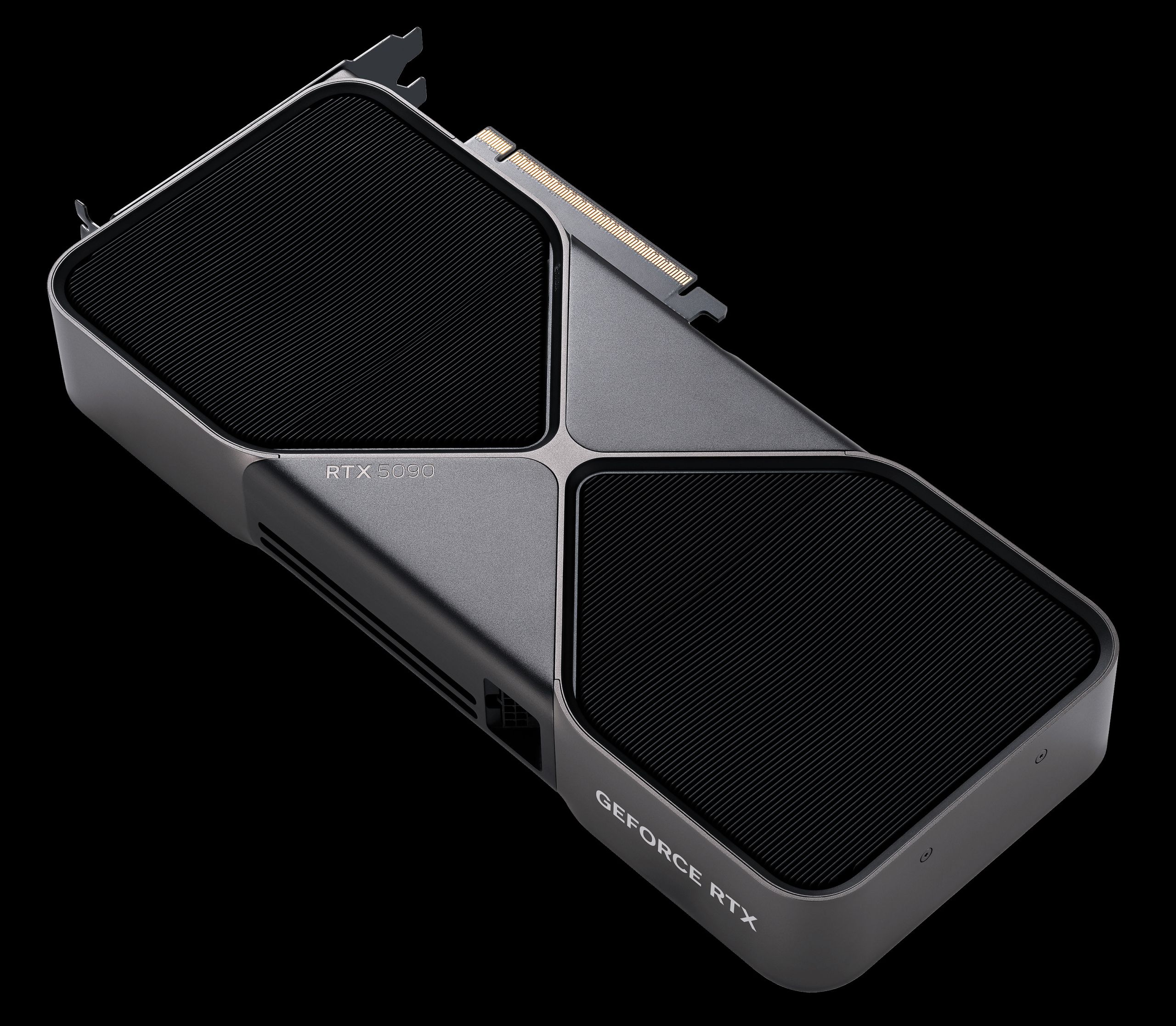
Check the exact board’s length, thickness, power connectors, PSU recommendation and airflow. Reference specifications do not describe every partner cooler. Follow the manufacturer’s connector installation instructions.
Use a repeatable scene and record resolution, preset, RT, upscaling mode, frame generation, drivers and CPU. Compare average FPS, frame-time behavior and responsiveness—not just one headline number.
Model specifications come from the existing GPU archive. Gaming picks, memory planning tiers and tuning suggestions are editorial guidance. No per-game FPS is fabricated or extrapolated from VRAM, bandwidth or theoretical compute. The separate gaming ranking remains a broad, native-raster guide with its own methodology. This page’s feature information was checked November 4, 2026.